
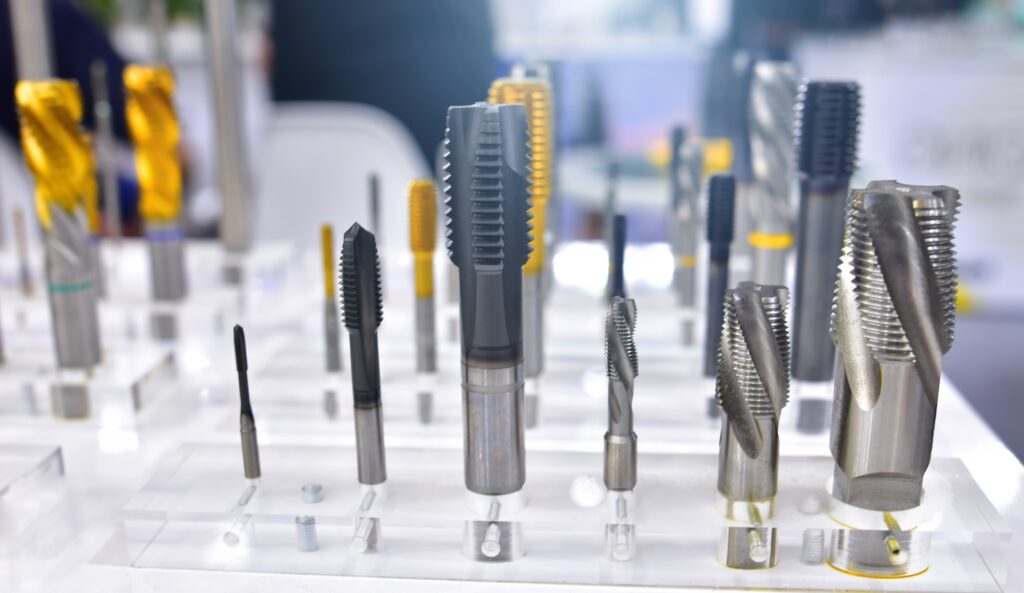
For sign makers and fabricators, creating dimensional letters often involves more than simply cutting shapes. Many projects require CNC threadmilling for threaded mounting points for studs, standoffs, and other hardware that allow letters to be securely installed while maintaining a clean, professional appearance.
The challenge is that preparing those threaded holes can be a repetitive and time-consuming process. Manually placing holes, duplicating geometry across repeated letters, and preparing files for machining all add time to the production workflow.
EnRoute simplifies this process by allowing users to automatically add holes to text, create threaded features, and prepare fabrication-ready geometry for dimensional lettering and standoff signs. The result is a faster workflow, greater consistency, and less manual drafting work.
The Challenge of CNC Threadmilling and Threaded Letter Fabrication
Threaded holes are a common requirement for dimensional lettering, architectural signage, fabricated logos, and custom displays. These threaded mounting points allow letters to be installed securely using studs or standoff hardware while keeping mounting systems hidden from view.
Traditionally, creating these mounting points requires designers to:
- Create or import text
- Convert text to editable geometry
- Manually draw hole locations
- Copy holes into repeated characters
- Verify spacing and alignment
- Prepare holes for threading operations
- Generate machining toolpaths
While this process works, it often involves repetitive editing and increases the opportunity for mistakes. On larger projects with dozens of letters, the time required to manually prepare mounting holes can become significant.
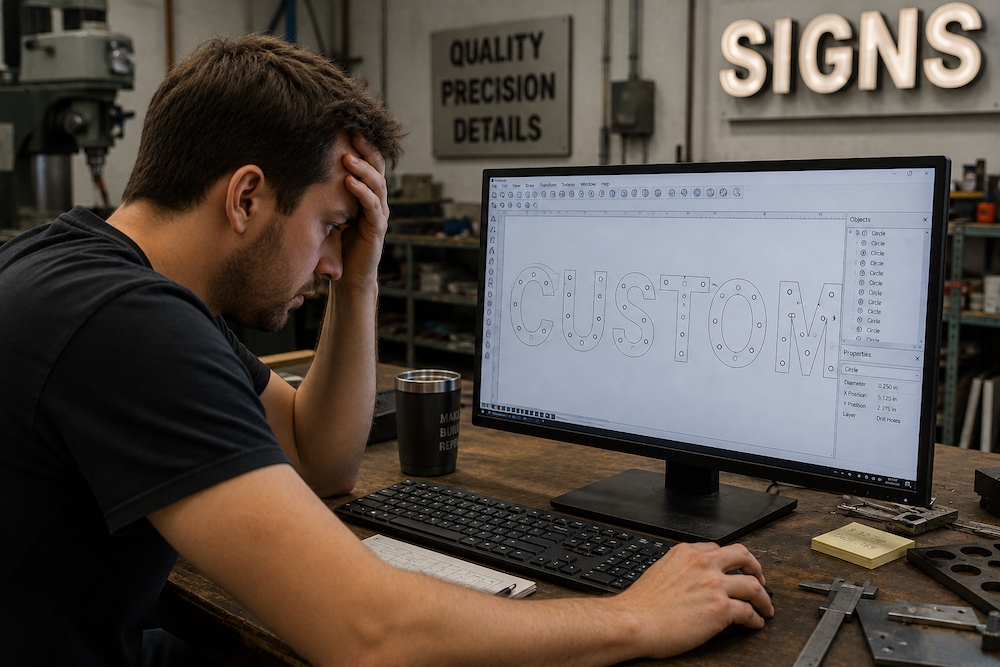
Why Manual Hole Placement Slows Production
Many shops focus on optimizing machine time, but programming efficiency is equally important.
Every minute spent manually creating hole locations is time that could be spent designing, nesting parts, or preparing the next project for production.
Manual workflows can create challenges such as:
- Inconsistent hole placement between matching letters
- Increased programming time
- Additional quality-control checks
- Greater risk of missed or misplaced holes
- Slower project turnaround times
As projects become larger and more complex, these inefficiencies become even more noticeable.
Automatically Add Holes to Text in EnRoute
EnRoute eliminates much of the repetitive work involved in preparing dimensional letters for fabrication.
Instead of manually drawing and positioning holes throughout the design, users can automatically generate hole locations directly within their text geometry. This allows hole placement to remain consistent across repeated characters while dramatically reducing setup time.
For sign shops producing dimensional letters, fabricated logos, and architectural signage, this feature can significantly streamline the preparation process.
Key Benefits
Save Programming Time
Automatically generating hole locations eliminates repetitive drafting and reduces setup time.
Improve Consistency
Repeated letters receive identical hole placement, helping maintain quality across the entire project.
Reduce Human Error
Automation minimizes opportunities for missed holes, alignment issues, and spacing inconsistencies.
Accelerate CNC Threadmilling Workflows
With hole placement completed automatically, users can move more quickly into thread creation and machining operations.
A Smarter Workflow for Fabricated and Standoff Letters
Many dimensional letter projects require mounting hardware to be installed from the back side of the letter. This is especially common for standoff letters, where threaded studs create separation between the sign and the mounting surface.
Creating these mounting points manually can be tedious, particularly when working with large amounts of text or repeated characters.
EnRoute simplifies the entire process by combining automated hole placement, thread creation, and geometry preparation into a streamlined workflow.
Whether you’re producing a single logo or an entire architectural signage package, EnRoute helps reduce repetitive work while improving consistency throughout the project.
From Text to Threaded Standoff Letters in EnRoute
One of the biggest advantages of EnRoute is how efficiently it takes a sign maker from design to fabrication-ready geometry.
Step 1: Create the Lettering
Start by creating or importing your text directly within EnRoute.
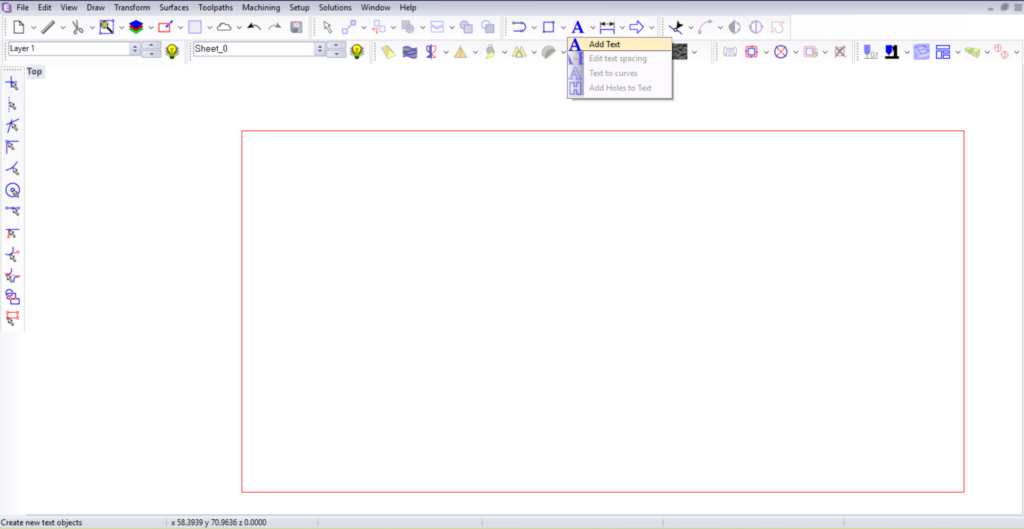
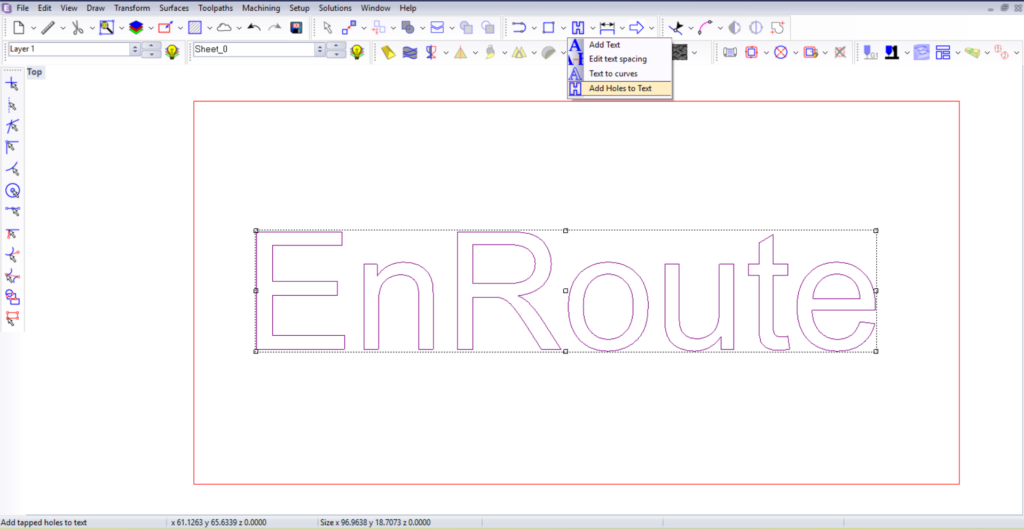
Step 2: Automatically Add Hole Locations
Instead of manually drawing circles and positioning holes throughout the lettering, EnRoute automatically generates hole locations within the text.
This dramatically reduces setup time and ensures consistency across repeated characters.
Adjust the number of holes and hole spacing as needed.
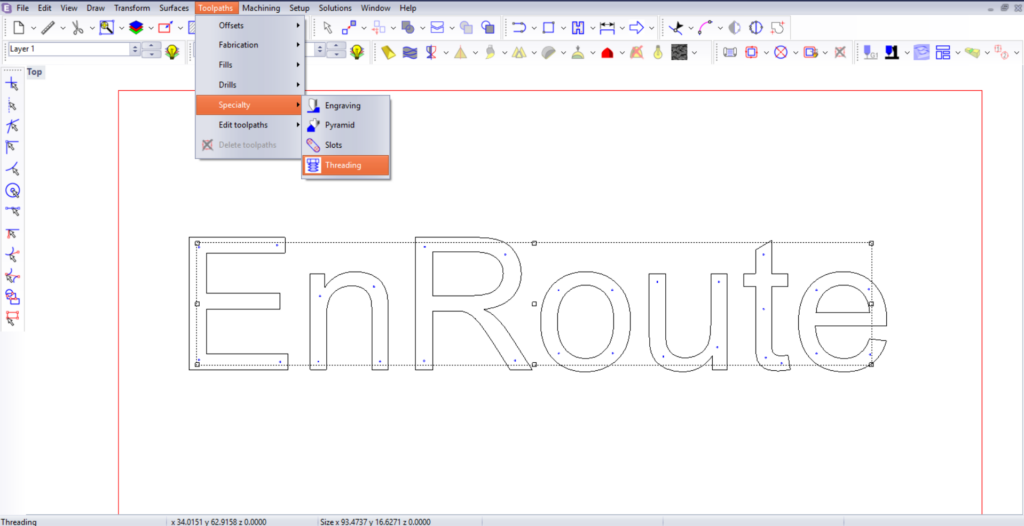
Step 3: Create Threaded Features
Once the holes have been created, EnRoute can apply threading operations to prepare the geometry for threaded mounting hardware.
This simplifies CNC threadmilling workflows and reduces the amount of manual geometry preparation required before machining.
With this tool there is ultimate customization. Change your threading setting however you need to, adjusting diameter, thread pitch, thread depth, thread buffer, lead in, and more.
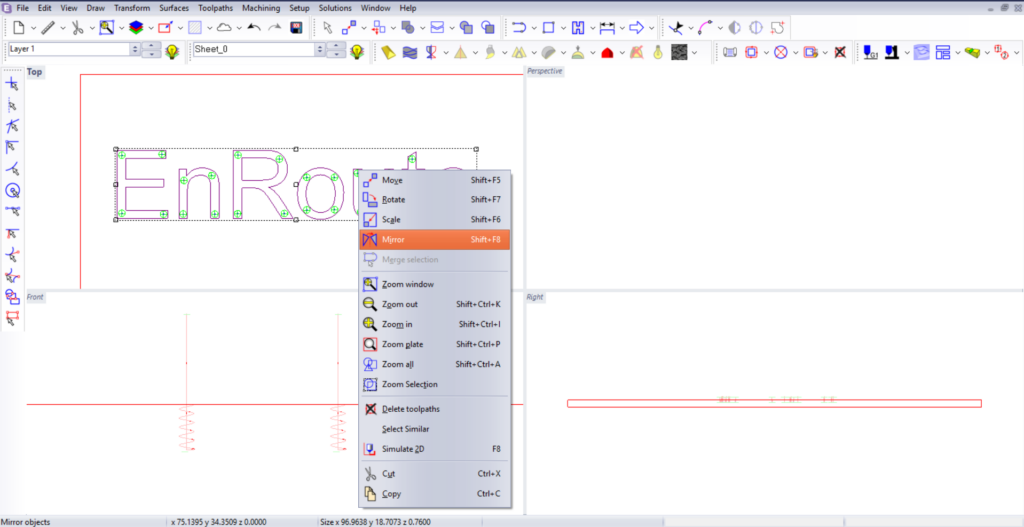
Step 4: Mirror the Geometry for Rear-Mounted Hardware
For dimensional and standoff letters, mounting hardware is often installed from the back side of the letter rather than the face.
EnRoute allows users to quickly mirror the geometry so drilling and tapping operations can be performed on the reverse side while maintaining accurate hole placement.
Step 5: Prepare for Production
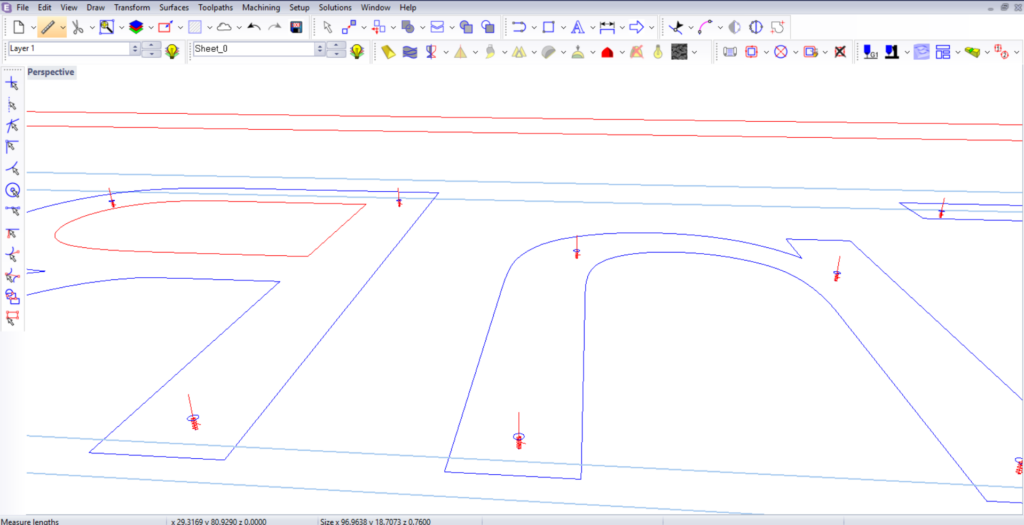
With holes, threads, and mirrored geometry complete, the design is ready for machining and fabrication.
The result is a streamlined workflow that helps shops move projects from design to production more quickly and with fewer manual steps.
Why This Matters for Sign Fabrication
Threaded mounting systems are commonly used throughout the sign industry for:
- Dimensional letters
- Standoff letters
- Architectural signage
- Interior branding installations
- Lobby signs
- Fabricated logos
- Corporate identity signage
Without automation, preparing these mounting points often requires repetitive drawing, copying, and alignment work.
By automating hole placement and simplifying thread creation, EnRoute helps sign makers spend less time preparing geometry and more time producing finished signs.
This becomes especially valuable for projects containing large amounts of text, repeated characters, or multiple fabrication revisions.
Built for Sign Makers and Fabricators
EnRoute has long been trusted by sign shops, woodworking professionals, and fabrication businesses because it combines powerful design tools with production-focused CNC capabilities.
Features like automatic hole placement and threaded feature creation are designed around real-world manufacturing workflows. Rather than spending time manually editing geometry, users can focus on producing accurate, fabrication-ready designs more efficiently.
For businesses producing dimensional lettering, architectural signage, fabricated logos, and custom displays, EnRoute provides a practical way to streamline production while maintaining consistency and quality.
Simplify CNC Threadmilling and Threaded Letter Fabrication with EnRoute
Preparing dimensional letters for threaded mounting doesn’t need to be a manual process.
With automatic hole placement, integrated threading capabilities, and tools that simplify the creation of rear-mounted standoff letters, EnRoute helps sign shops reduce programming time and accelerate production.
Whether you’re producing architectural signage, fabricated logos, or dimensional lettering, EnRoute streamlines the workflow from design through machining—helping you create fabrication-ready files faster and with greater consistency.
Ready to simplify your CNC threadmilling and sign fabrication workflow? Explore EnRoute and discover how it helps transform ideas into production-ready results.
Want to learn more about how to work automatic hole to text generation and threadmiling into your workflow? Adendo offers training and educational resources for CNC machining and CAD CAM software.


 EN
EN  EN_IN
EN_IN  ZH
ZH