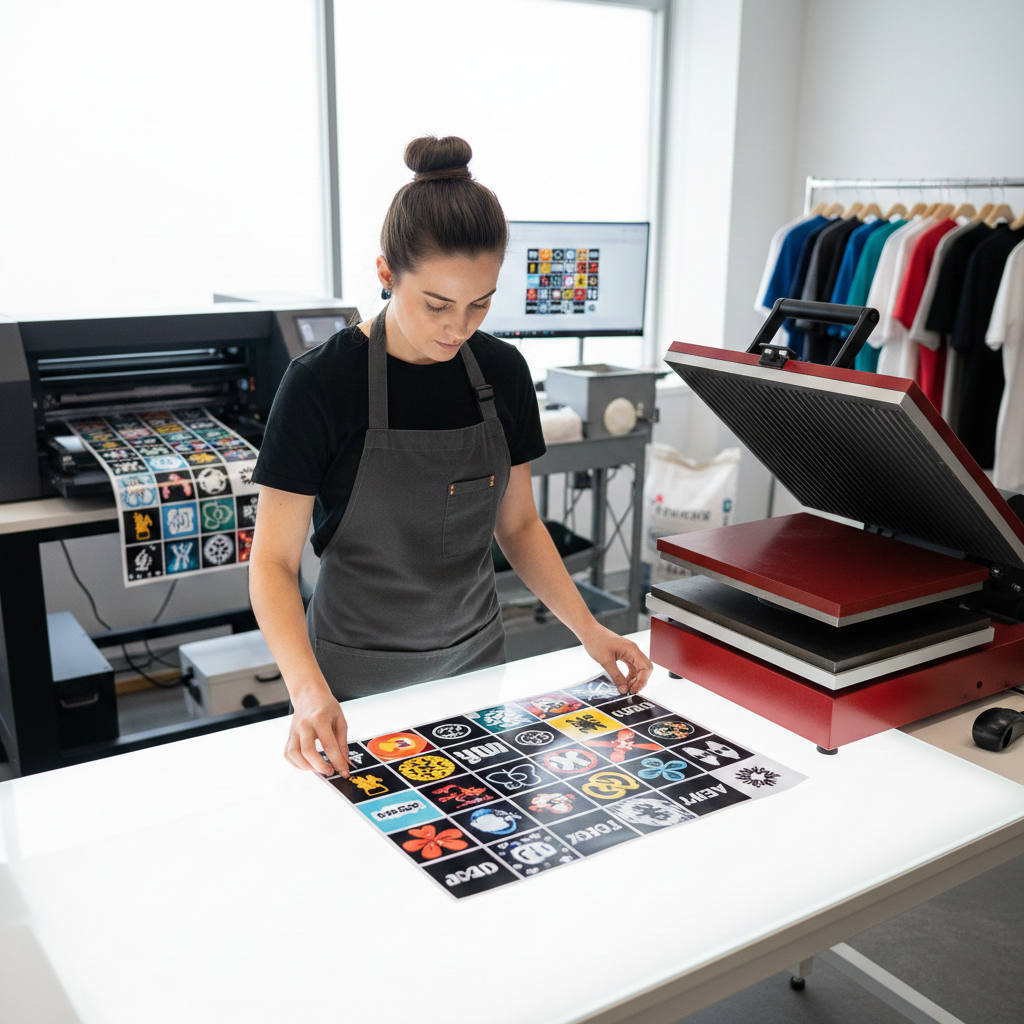
In the fast-growing world of Direct to Film (DTF) printing, the difference between a “hobbyist” result and a “retail-ready” product often comes down to one thing: your software.
Many print shops currently operate with a fragmented workflow, juggling design in one app, background removal in another, and then sending files to a basic RIP (Raster Image Processor) that offers little control over the final output. This “software hopping” isn’t just slow; it’s where technical errors like white ink “halos” and pixelated edges happen.
To scale your business, you need an integrated DTF printing workflow software that handles the entire process from design to production in one seat.
From Outsourcing to In-House: Making the Switch
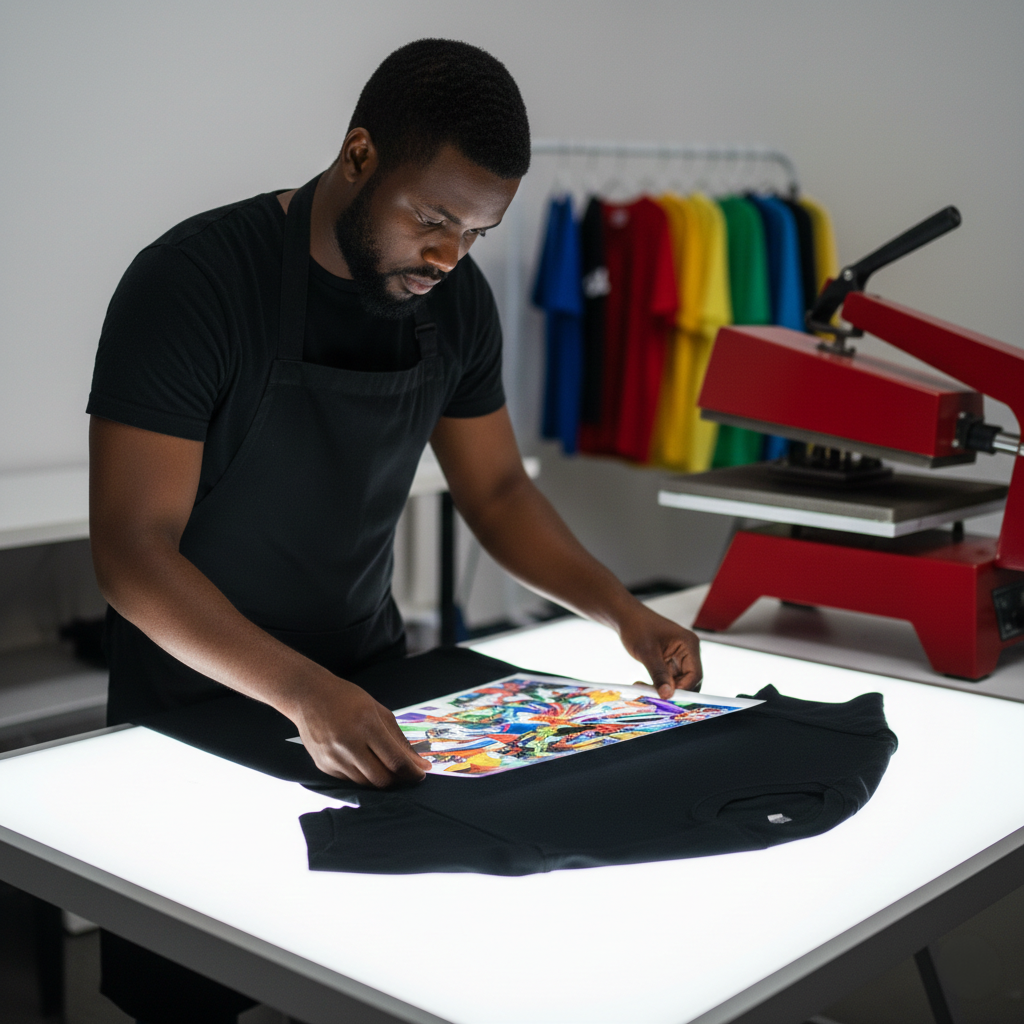
Many custom apparel businesses begin their journey by outsourcing. Services like Ninja Transfers are excellent resources for creators who are just starting, testing new designs, or don’t want to manage hardware maintenance. They provide high-quality “gang sheets” that allow you to focus purely on sales and heat pressing.
However, as your volume grows, so does the need for speed, higher profit margins, and total creative control. Moving from ordering transfers to printing them in-house is a major milestone. To do it successfully, you can’t rely on the fragmented tools used by hobbyists. You need the same level of DTF printing workflow software as the big production
houses use to ensure your in-house prints match the quality of the pros.
The Problem with Fragmented Workflows
If you are currently downloading transparent PNGs or using AI-generated files, you’ve likely run into these production bottlenecks:
- Low-Resolution Assets: Most basic RIPs can’t handle low-resolution files effectively. A professional workflow requires the ability to ensure every file is 300 PPI at its final print size to avoid jagged, pixelated edges.
- Artifacts and “Dirty” Edges: Removing backgrounds in separate programs can leave behind tiny stray pixels. If your software doesn’t allow for real-time adjustments, those artifacts get a white ink backing and adhesive powder, ruining the garment.
- The “Render-and-Wait” Trap: Most DTF software forces you to change a setting, render the file, and then check the result. In a high-volume shop, this trial-and-error is a profit killer.
Mastering the “Black Shirt” and Complex Gradients
One of the most common challenges is printing on dark substrates. To get a soft-hand feel on a black shirt, you shouldn’t just print a solid block of ink.
Professional DTF printing workflow software like Flexi® DTF Pro allows for:
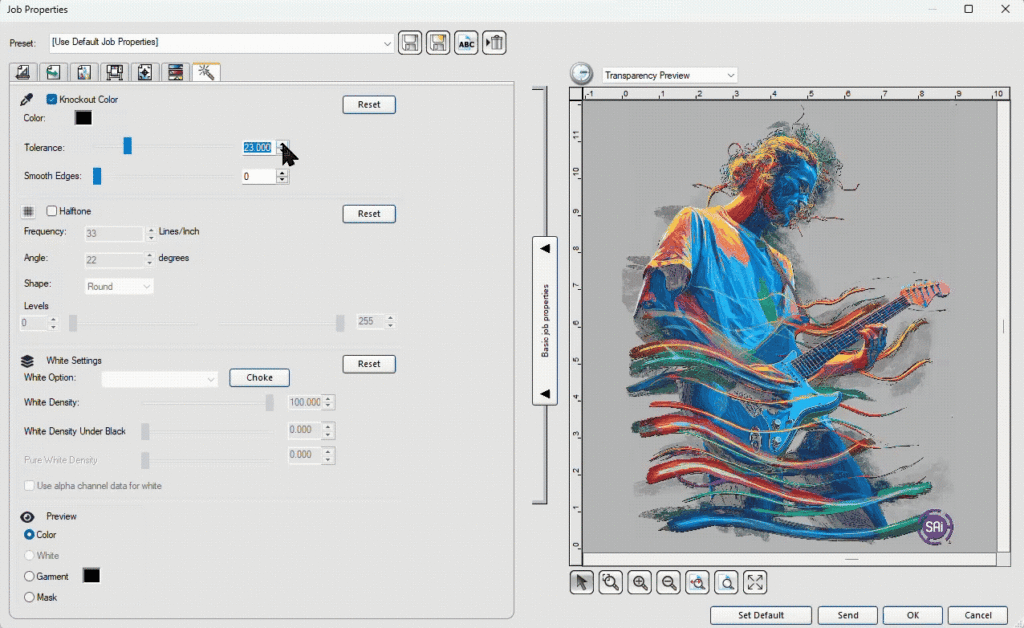
- Smart Color Knockouts: Automatically remove the black data from your design so the shirt color shows through. This saves ink and makes the garment more breathable.
- Advanced Halftoning: Instead of solid layers, use precise dot patterns to create smooth gradients. This prevents the “plastic sheet” feel and ensures your prints stay vibrant without being stiff.
Precision Control: White Ink and Nesting
The two most expensive components in DTF are ink and film. A professional workflow must optimize both.
- White Ink Choking: To prevent the white under base from “peeking” around the edges of your color (the dreaded white glow), you need precise choke settings.
- Visual Previews: You shouldn’t have to guess. Your software should provide a “Live” real-time preview of the white ink layer before you hit print.
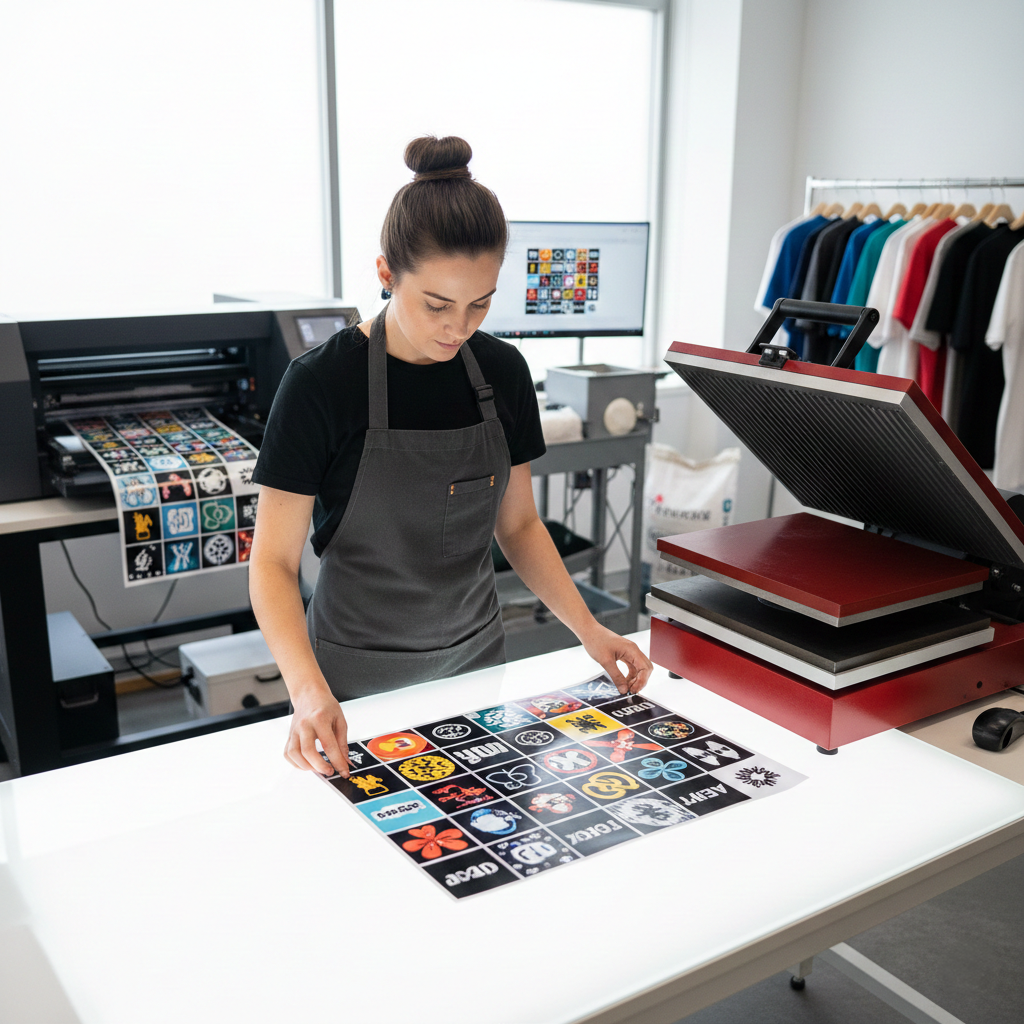
- Automated Nesting: Stop wasting film. By using automated nesting and gang sheet presets, you can group multiple jobs to fill the width of your film roll, maximizing your margins on every run.
Why Flexi® DTF Pro is the Professional Choice
Unlike the fragmented tools found in basic setups, SAi Flexi® DTF Pro is the only end-to-end solution that handles everything from the first design stroke to the final ink drop. It is engineered specifically to replace “software hopping” with a streamlined, professional workflow.
What makes Flexi® DTF Pro the industry standard isn’t just its power, it’s its simplicity:
- Effortless Halftones & Knockouts: You don’t need to be a Photoshop expert to get professional results. One-click tools for halftoning and color knockouts allow you to prep complex files in seconds, ensuring a soft-hand feel and reduced ink costs.
- The “Safety Net” Preview: Avoid wasting expensive film and ink by seeing exactly how your design will look on the final garment. The ability to preview your white layer and simulate garment colors in real-time means you catch errors on the screen, not on the shirt.
- Integrated Production: Flexi manages your printer-specific settings—like heat, white ink maximums, and automated nesting—in the same interface where you prep your art.
Whether you are ready to stop outsourcing and bring production in-house, or you’re simply tired of fighting with basic RIP tools, upgrading your workflow is the fastest way to improve your quality and your bottom line.
Explore Flexi® DTF Pro and see how the right workflow software can transform your production.
 EN
EN  EN_IN
EN_IN  ZH
ZH